
MahouBox_Demo
MahouBox_Demo
A streamlined, feature-rich website image viewer plugin.
Modified from a secondary distribution of lightbox2.
- Demos: Visit the MahouBox Demo
- Releases and Changelog: Viewable on the Github Releases page
- License: Mahoubox is licensed under the MIT License.
by Ganfan_man
Features
Compared to lightbox, the following features have been added
- Mouse Drag Image: Click the left mouse button to drag the image.
- Mouse Wheel Zoom: Zoom in/out on images by using the mouse wheel.
Quick Start
Getting Started Quickly
Get the Plugin via Git
Cloning the Repository
git clone https://github.com/Gan-fan-man/MahouBox.git
cd MahouBox
Get the Plugin from Releases
Download the latest version from the Github release page.
Extract the necessary files, such as:
- mahoubox.css
- jquery-3.7.1.min.js
- mahoubox.js
Installation
In your project’s global header file (e.g., head.html), include the plugin using the following syntax:
<link rel="stylesheet" href="/assets/css/mahoubox.css" /><script src="/assets/js/jquery-3.7.1.min.js"></script><script src="/assets/js/mahoubox.js"></script>
Note: Replace with your project’s path.
Configure the plugin
To configure the plugin after installation, you need to change a few URLs in mahoubox.css to ensure all elements work correctly.
While you have the option to change these paths, it’s recommended to place the image assets in the ‘… /images/’ directory as specified in the CSS.
Once the images are configured, the plugin should work correctly.
Note: After the configuration is complete, it is best to use the F12 developer tools to ensure the plugin is not reporting any errors.
Usage
The plugin supports two syntaxes for calling images:
- To create a single image, use the following syntax:
<a href="url/1.jpg" data-mahoubox="image-1">Image #1</a>
- To create a collection of images, use the following syntax:
<a href="url/1.jpg" data-mahoubox="group">Image #1</a><a href="url/2.jpg" data-mahoubox="group">Image #2</a>
When multiple image links share the same group name, they are treated as a single album.
When multiple image links have different group names or no group name, each will be treated as a separate image.
Optional Syntax
-
data-title="title": Display the title of the image in the lower left corner -
<a href="url/1.jpg" ... ><img class="your-class-name" src="your-image-url.jpg"></a>: The content inside the<a>tag (like the<img>) is the element displayed before the plugin is opened. This is customizable.
Contributing to MahouBox
Thank you for your interest in contributing to MahouBox! We appreciate your help in making this project better. By participating, you agree to abide by our Code of Conduct.
There are several ways you can contribute to this project:
- Report Bugs: Report any bugs you find.
- Suggest Features: Propose new features or enhancements.
- Fix Bugs: Fix existing bugs in the code.
- Improve Documentation: Enhance the documentation, tutorials, or examples.
- Submit Code: Add new features or improvements to the codebase.
Reporting Bugs
If you find a bug, please help us by submitting an issue on GitHub. Before submitting a new issue, please check if a similar one has already been reported.
When reporting a bug, please include the following information:
- A clear and descriptive title.
- Steps to reproduce the bug. Provide a minimal code example or a link to a demo where the bug can be seen.
- Expected behavior. What did you expect to happen?
- Actual behavior. What actually happened?
- Environment details. Include your browser version, operating system, and the version of MahouBox you are using.
Suggesting Features
We welcome new ideas! If you have a feature you would like to see in MahouBox, please open an issue on GitHub and label it as enhancement.
Please describe the feature in detail and explain why you think it would be a valuable addition to the plugin.
Submitting Code (Pull Requests)
We are happy to accept code contributions! To ensure a smooth process, please follow these steps:
- Fork the repository on GitHub.
- Clone your forked repository to your local machine.
git clone https://github.com/Gan-fan-man/MahouBox.git cd MahouBox - Create a new branch for your changes.
git checkout -b your-feature-name(Use a descriptive name, e.g.,
fix/bug-in-zoomorfeat/add-new-option) - Make your changes.
- Test your changes to ensure they work as expected and do not introduce new issues.
- Commit your changes. Use a clear and concise commit message.
git commit -m "feat: add mouse wheel zoom functionality" - Push your branch to your forked repository.
git push origin your-feature-name - Create a Pull Request (PR) on GitHub from your new branch.
- Please provide a clear description of your changes in the PR.
- Reference any related issues (e.g., “Fixes #123”).
- Follow the PR template if one is provided.
Thank you for your contribution!
Demo single image
px 7680*4320
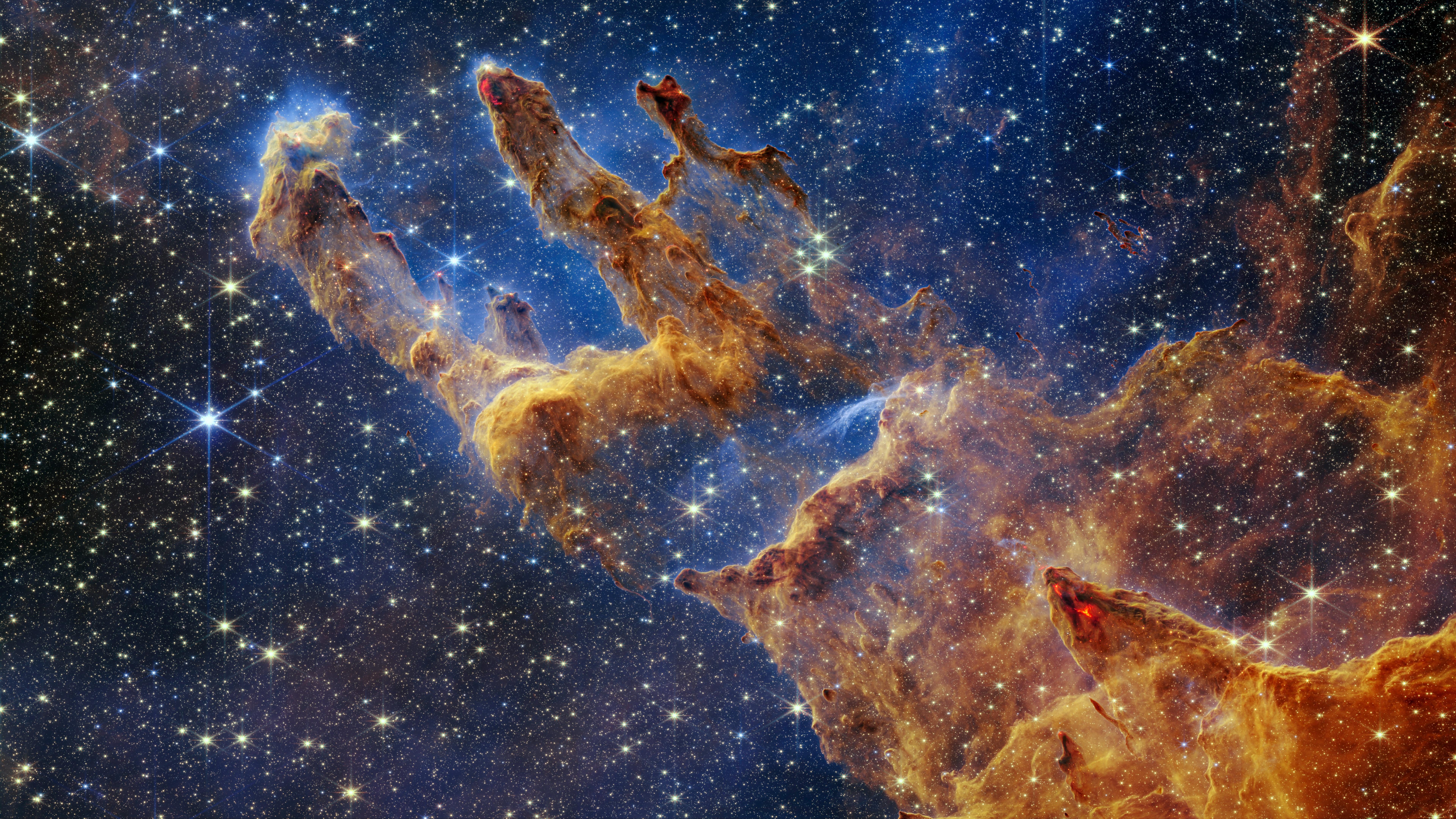
px 5120*2880

px 3840*2160

px 2560*1440

px 1920*1080

Demo collection of images
px 7680*4320
px 5120*2880
px 3840*2160
px 2560*1440
px 1920*1080